
If you manage an Airbnb from another city or country, a message saying “all done” is not enough. You need a consistent set of completion photos that shows the property is clean, correctly presented, stocked and ready before the next guest opens the door.
An Airbnb turnover photo checklist is a repeatable list of images taken after cleaning and before check-in. A useful report includes a wide photo of every finished room, close-ups of high-risk areas, confirmation of linen and supplies, and separate photographs of damage or maintenance problems.
For most one-bedroom properties, 15 to 25 clear completion photos will provide a practical record without flooding the host with duplicates. This is an operational recommendation, not an Airbnb requirement. Larger or more complex properties will need additional images.
Quick answer: Ask for one wide, well-lit photograph of every room, plus detail photographs of each made bed, bathroom fixtures, kitchen appliances, guest supplies, bins, access arrangements and any issue that needs attention. The report should arrive early enough for the host to act before check-in.
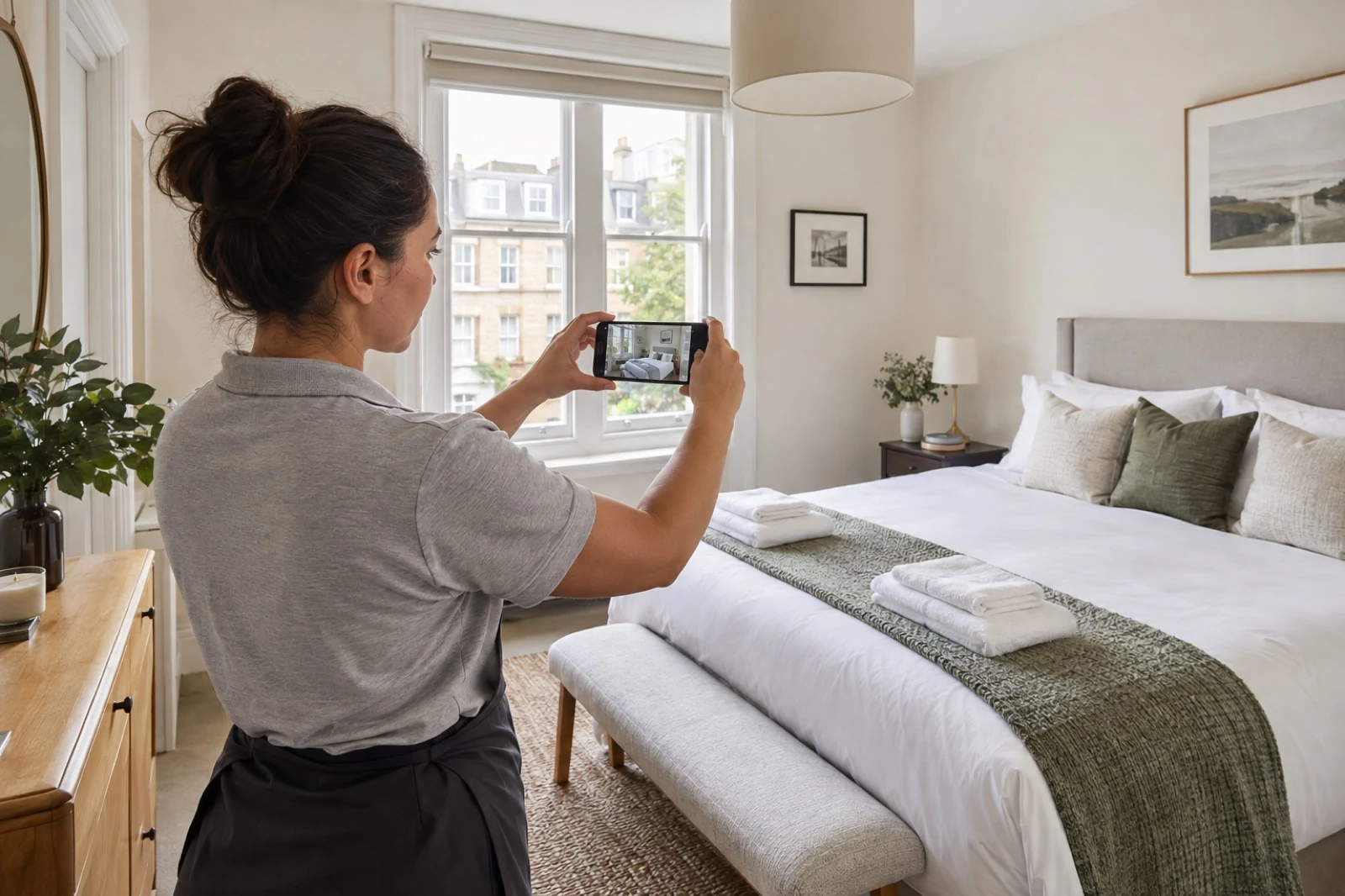
What Is an Airbnb Turnover Photo Report?
An Airbnb turnover photo report is a time-linked record of the property's condition after a guest changeover. It confirms that the agreed cleaning and presentation tasks have been completed and flags anything the host needs to resolve.
It should answer five questions:
- Is every agreed room clean and presented for the next guest?
- Are the correct beds, linen and towels prepared?
- Are essential supplies present in the agreed quantities?
- Is there visible damage, a maintenance problem or a missing item?
- Is the property secure and ready for arrival?
This is different from Airbnb's official listing photo verification. Airbnb may ask a host to take new photographs in its app to confirm that a listing matches its advertised images. A cleaner's turnover report is a private operational update between the cleaning team, host and property manager; it is not an Airbnb verification or guarantee.
The Complete Airbnb Turnover Photo Checklist
The best sequence follows the route a guest takes through the property. That makes the report quick to review and easy to compare from one turnover to the next.
1. Entrance, Keys and Arrival Area
Photograph:
- The entrance or hallway after cleaning
- The inside of the front door and the clear arrival route
- The key returned to the agreed secure location
- A closed key safe or lockbox, without showing a live access code
- Any visible damage to the door, lock or communal entrance
Do not send photographs that reveal an active key-safe code, alarm code or other security credential. The aim is to confirm that access has been reset, not to distribute sensitive information.
2. Living Room and Dining Area
Take one wide photograph from the doorway or usual listing-photo angle. It should show the floor, main furniture and overall presentation in a single frame.
Add detail photos when they are useful, including:
- Sofa cushions and throws arranged to the agreed layout
- Dining table and chairs reset
- TV remote and other guest controls in their usual place
- Windows closed or set as instructed
- Visible stains, damage or missing decorative items
A wide photo confirms presentation. It does not prove that every surface was cleaned, so the image should support—not replace—the agreed cleaning checklist.
3. Kitchen
The kitchen usually needs more than one photograph because important checks sit inside or around appliances.
Include:
- A wide view of the completed kitchen
- Clean hob, worktops and sink
- Oven or microwave interior when cleaning it is part of the booked scope
- Empty, clean fridge with any agreed guest items in place
- Dishwasher left empty or in the agreed state
- Tea, coffee and other guest supplies restocked to the property's par level
- Rubbish and recycling removed
If stock is running low, photograph the remaining quantity and name the item in the written report. A cupboard photo without a note may not tell the host what needs to be purchased.
4. Bedrooms
For every bedroom, take:
- One wide photograph showing the complete bed and floor area
- One closer image of the finished bed, pillows and linen
- Towels prepared for the correct number of guests
- Wardrobe or storage area when checking it is part of the turnover brief
- Any stain, tear, missing item or broken fitting
The wide photo should show whether the room matches the agreed layout. If a sofa bed, travel cot or extra bed is needed for the next booking, photograph it fully prepared rather than folded away.
5. Bathrooms
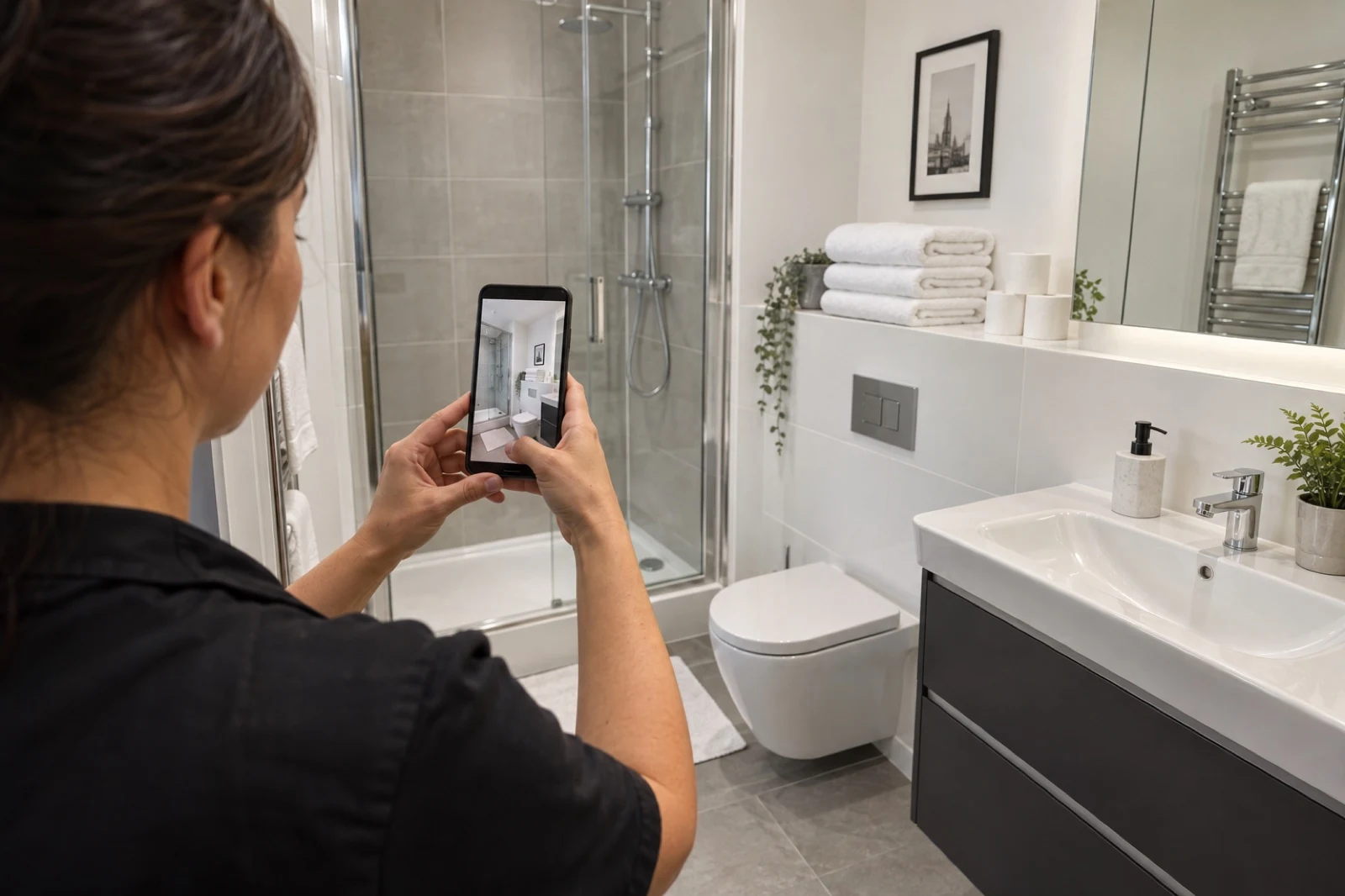
Bathrooms generate some of the most common last-minute problems: stray hairs, streaked mirrors, wet floors, low toilet roll and limescale around taps or shower glass.
Photograph:
- A wide view of each bathroom
- Clean toilet, basin and taps
- Shower or bath, screen and visible drain area
- Dry, streak-free mirror
- Fresh towels and bath mat
- Toilet roll, hand soap and agreed toiletries
- Any leak, mould, limescale, slow drainage or damaged sealant
6. Guest Supplies and Linen Stock
Where your cleaner manages restocking, include a clear photograph of the agreed supply area. Check quantities against a fixed minimum rather than relying on “looks enough”.
Typical items include:
- Toilet roll and kitchen roll
- Hand soap, shampoo and body wash
- Washing-up liquid, dishwasher tablets and bin bags
- Tea, coffee, sugar and other welcome items
- Spare linen and towels
Keep owner supplies in one labelled cupboard wherever possible. It is easier to identify low stock when items are stored consistently.
7. Bins, Utility Areas and Final Security
The final images should confirm the property has been closed down correctly:
- Internal bins emptied and relined
- Rubbish moved to the correct collection point
- Utility cupboard left tidy
- Heating or cooling set to the agreed level
- Lights, windows and balcony doors left as instructed
- Front door secured and keys returned safely
Only photograph meters, thermostats or appliance controls when the reading or setting is relevant. Avoid filling the report with images that do not help the host make a decision.
Completion Photos and Issue Photos Serve Different Purposes
A strong report separates routine completion photographs from problems.
| Photo type | When to take it | What it should show |
|---|---|---|
| Completion photo | After the room is cleaned and staged | The finished, guest-ready result |
| Checkout-condition photo | Before cleaning, only when useful | Unusual mess, missing items or the condition requiring extra work |
| Damage photo | As soon as damage is found | A wide image for location and a close image for detail |
| Maintenance photo | When an issue is noticed | The fault, its location and any visible effect such as a leak |
| Stock photo | When supplies are low | The remaining quantity and storage location |
Do not bury a serious issue in a gallery of routine images. Send an immediate written alert when a problem could affect safety, access or the next check-in.
How Many Turnover Photos Should a Cleaner Send?
There is no universal number. The report needs enough coverage to answer the host's questions without creating dozens of repeated shots.
As a practical starting point:
- Studio: around 12 to 18 photos
- One-bedroom property: around 15 to 25 photos
- Two-bedroom property: around 20 to 30 photos
- Larger homes: one wide image per room plus the relevant detail checks
These ranges are suggested working standards, not Airbnb rules. A property with several bathrooms, a balcony, a sofa bed or detailed restocking requirements will need more. A small studio may need fewer.
Consistency is more useful than volume. Photographing each room from the same position after every turnover makes changes easier to spot.
A Five-Step Verification Workflow for Remote Hosts
Step 1: Set the Property Standard
Create a short property-specific brief with reference photos. Record the bed layout, towel placement, guest supply quantities, thermostat setting, bin location and access instructions.
Step 2: Record Exceptions Before Cleaning
The cleaner should photograph unusual mess, damage, missing property or work outside the normal turnover scope before it is cleared. This helps the host understand what happened and approve extra work where necessary.
Step 3: Complete the Clean and Final Walkthrough
Cleaning comes first. Photos should only be taken after the room has been checked, staged and left ready. Airbnb's own host guidance recommends a consistent turnover checklist so important details are not overlooked.
Step 4: Send the Report Before the Arrival Window
Agree a reporting deadline that leaves time for action. A photo report sent after the guest has arrived is too late to fix a missing towel, access problem or maintenance issue.
Step 5: Escalate Problems, Not Just Pictures
Use a simple status system:
- Ready: clean completed; no action required
- Ready with note: minor issue recorded; guest stay should not be affected
- Host action needed: restocking, approval or maintenance required before arrival
- Not ready: access, safety or serious cleanliness issue prevents sign-off
Reusable Airbnb Turnover Report Template
Copy this template into WhatsApp, email or your property-management system:
Property:
Turnover date:
Cleaner:
Checkout access received:
Cleaning completed at:
Next check-in:
Beds prepared:
Towels prepared:
Guest supplies: Ready / Low stock / Host action needed
Damage or missing items: None / Details attached
Maintenance issues: None / Details attached
Keys and security: Confirmed
Final status: Ready / Ready with note / Host action needed / Not ready
Photo set: Entrance, living area, kitchen, each bedroom, each bathroom, supplies and final security
For a portfolio, use the same headings for every property. Standardisation makes reports easier to scan and reduces the chance of an important issue being missed.
Photo Quality Rules That Make Reports Useful
Ask your cleaner to:
- Turn on the lights and use daylight where available
- Wipe the phone lens before starting
- Take sharp, level images rather than rushed video screenshots
- Use a wide room view before close-up details
- Avoid filters and heavy editing
- Retake dark or blurry photos
- Keep the same sequence and angles for every turnover
- Add a written note whenever a picture requires explanation
Airbnb's guidance for its separate listing-verification process also recommends well-lit, steady images taken from comparable angles. Those principles are equally helpful for a private turnover report, even though the two processes are not the same.
Privacy and Security: What Not to Photograph
A turnover report should document the property, not expose a guest's personal information.
Avoid capturing or sharing:
- Passports, driving licences, bank cards or travel documents
- Prescription labels or other health information
- Guest faces or people inside the property
- Names and addresses on post or parcels
- Computer screens, handwritten notes or private correspondence
- Live key-safe, alarm or smart-lock codes
- Children's belongings where they are not relevant to an issue
If personal belongings have been left behind, photograph only what is necessary to identify and secure the item, then follow the host's lost-property process. Store reports in an access-controlled location and retain them only for a defined operational purpose.
Can a Photo Report Prove Guest Damage?
A photo report can help document when an issue was noticed and what the property looked like around a turnover. It is not an automatic guarantee that a reimbursement request will succeed.
For useful issue documentation:
- Take a wide photo showing where the damage is located.
- Add close-ups showing the condition clearly.
- Record the date and time of discovery.
- Keep relevant messages, invoices and replacement estimates.
- Follow Airbnb's current reporting and resolution process promptly.
The cleaner should report facts rather than guess who caused the damage or how it happened.
Why Remote London Hosts Benefit From a Standard Report
London turnovers often involve apartment entry systems, concierge desks, key collection points and tight gaps between checkout and check-in. A consistent completion report gives a remote host one place to check presentation, supplies, access and visible issues before the property changes hands again.
It also creates a practical feedback loop. If the host wants a bed styled differently or supplies stored elsewhere, the reference images can be updated once and used for future visits.
Airbnb Cleaners London includes a photo report after each visit and can work to a property-specific checklist. Explore our Airbnb cleaning service in London or use our complete room-by-room cleaning checklist to define the cleaning tasks behind each verification image.
Frequently Asked Questions
What should be included in an Airbnb cleaning photo report?
Include one wide photo of every finished room, closer images of made beds and bathrooms, confirmation of guest supplies and bins, final access or security checks, and separate images of any damage, low stock or maintenance problem.
Should cleaners take photos before or after an Airbnb clean?
Routine completion photos should be taken after the clean and final inspection. Before-cleaning photos are useful when the property has unusual mess, visible damage, missing items or work that may fall outside the agreed service.
Is a turnover photo report required by Airbnb?
No. It is an operational tool agreed between a host, property manager and cleaning team. It is separate from any official Airbnb process for verifying listing photos.
How many photos should an Airbnb cleaner send?
A practical starting point is 15 to 25 images for a one-bedroom property, with more for additional bedrooms, bathrooms and special features. Consistent coverage is more important than a fixed number.
Can completion photos replace a cleaning checklist?
No. A photo shows the visible result from one angle; it cannot confirm every cleaning task. Use a written cleaning checklist for the work and a photo report to verify presentation, supplies and visible condition.
When should the host receive the report?
The report should arrive after the final walkthrough but early enough to resolve a problem before check-in. The exact deadline should be agreed around the property's turnover window.
Should access codes appear in turnover photos?
No. A report can show that a closed lockbox or key arrangement is in place, but active codes and other security credentials should be shared only through an appropriate secure channel.
Final Takeaway
The best Airbnb turnover photo checklist is simple, consistent and connected to action. Photograph every completed room, document linen and supplies, separate issue photos from routine completion images, protect guest privacy and use a clear status at the end of every report.
For a remote host, the goal is not to collect more photographs. It is to know—before the next guest arrives—whether the property is genuinely ready.